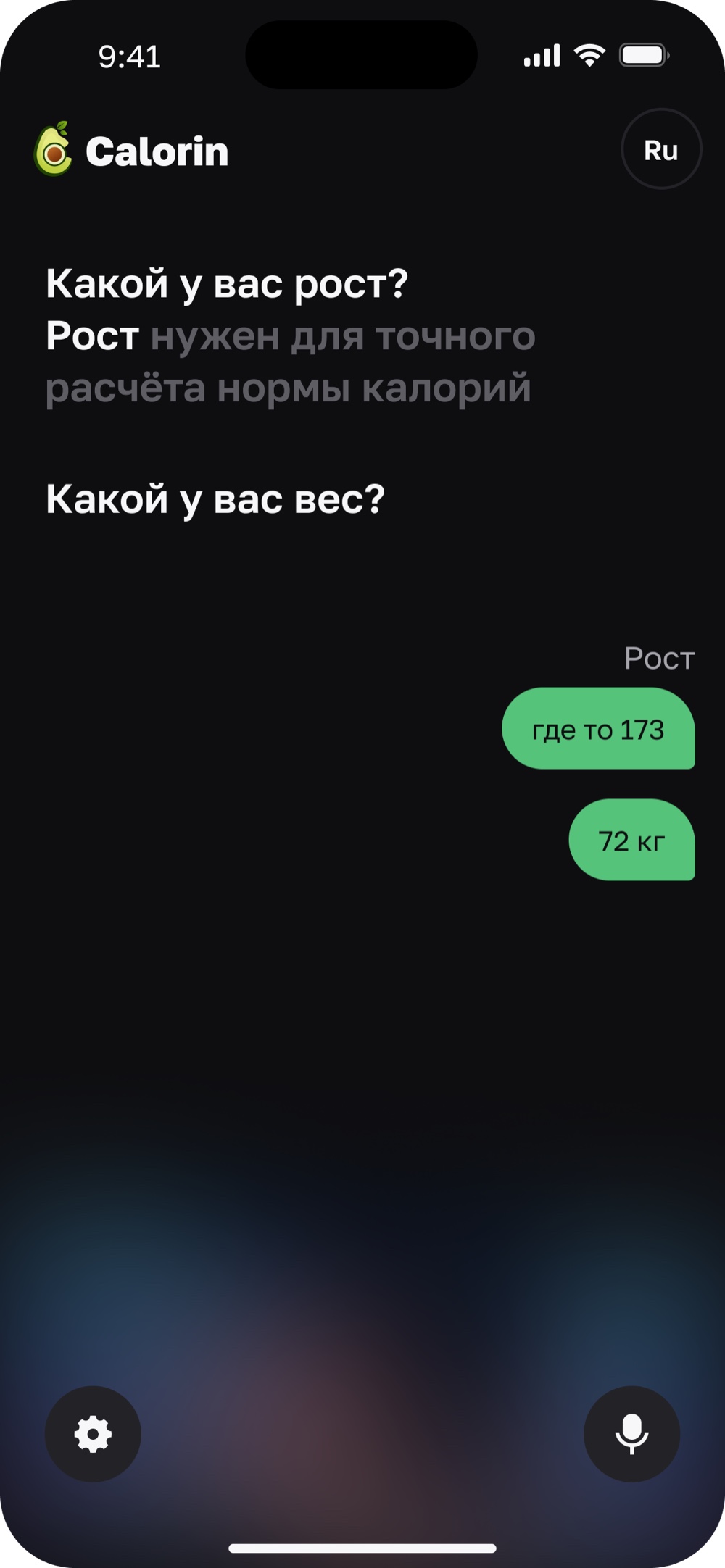
Just tell us about yourself.
Calorin sets it all up on its own.
No forms, no manual entry. The AI asks a couple of questions — then builds your goal and personal plan by itself.
Four steps: from plate to log
The whole process takes seconds. No forms, no manual search — the app does the heavy lifting for you.
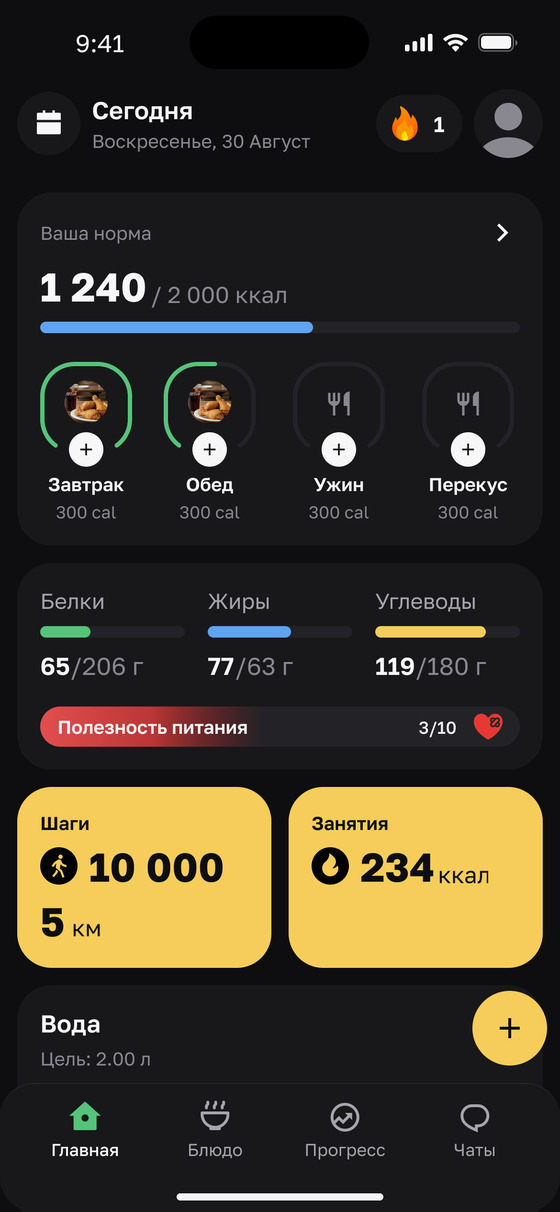
Everything on the home screen
Calories left, macros and everything eaten today are there the moment you open the app.
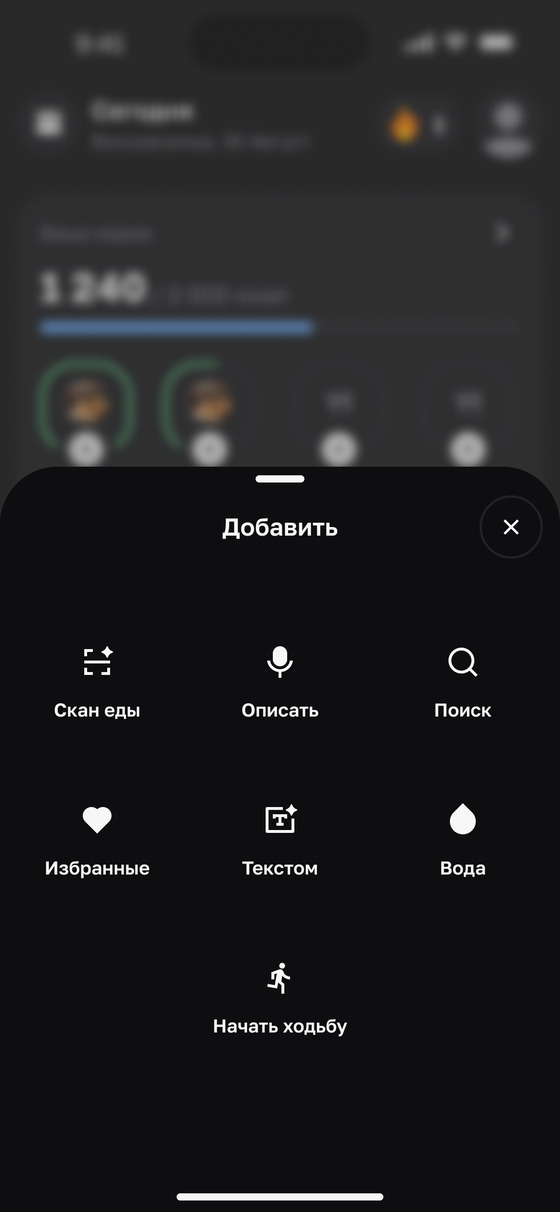
Logging in a single tap
The plus button opens every way to log: camera, voice, text or water.
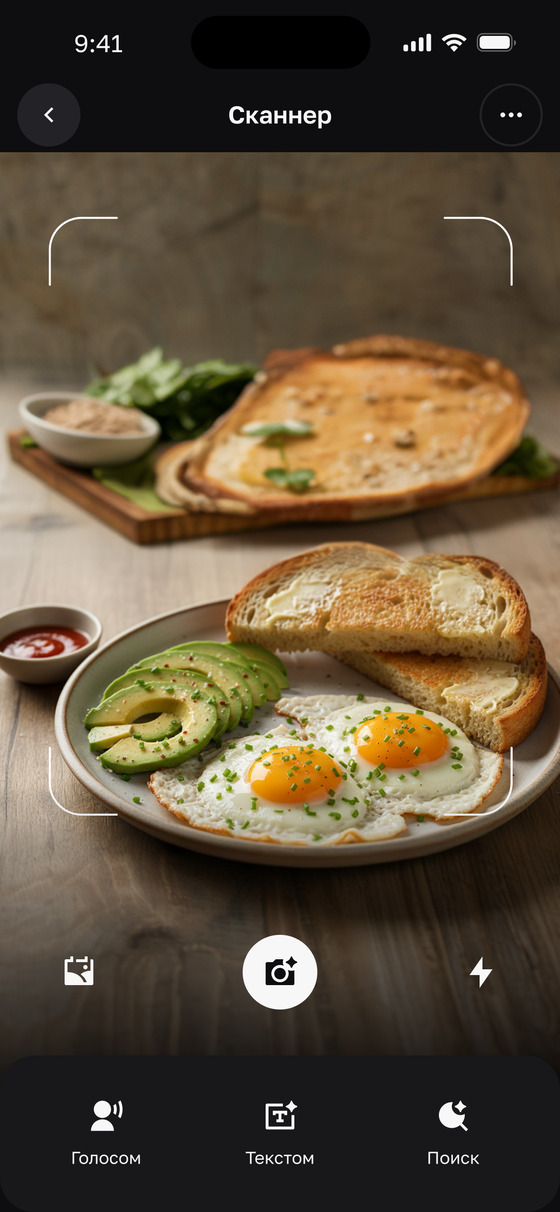
Photograph the dish
Point the camera at your plate and take a shot — no barcodes, no database search.
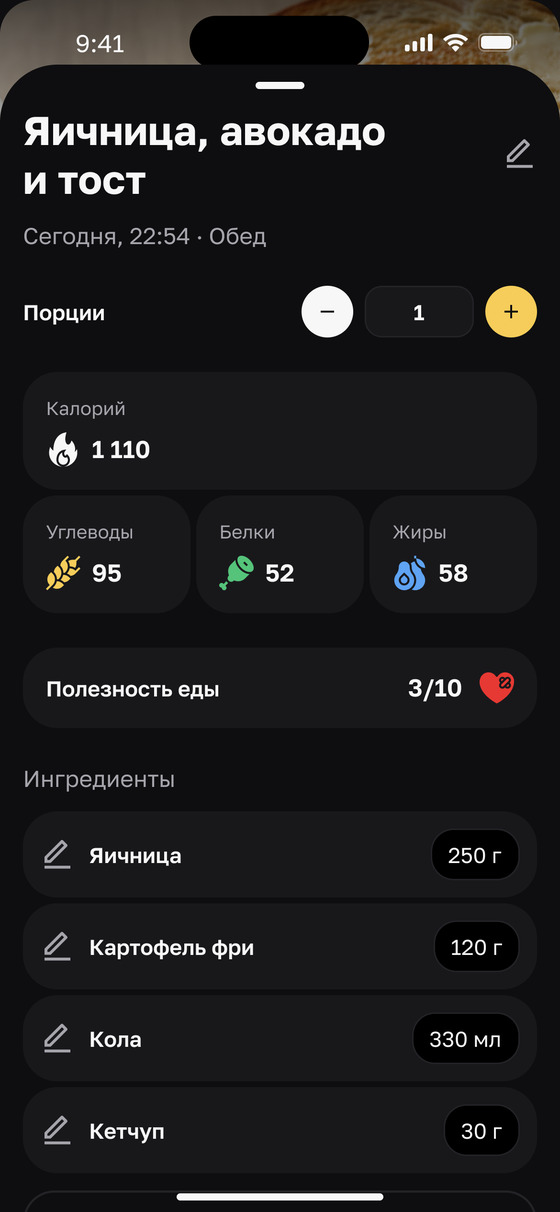
Automatic breakdown
The AI identifies every dish and counts calories, protein, fat and carbs. Adjust the numbers if you need to.
More than a calorie counter
Three features working for you every day — from picking a meal to keeping your fast on track.
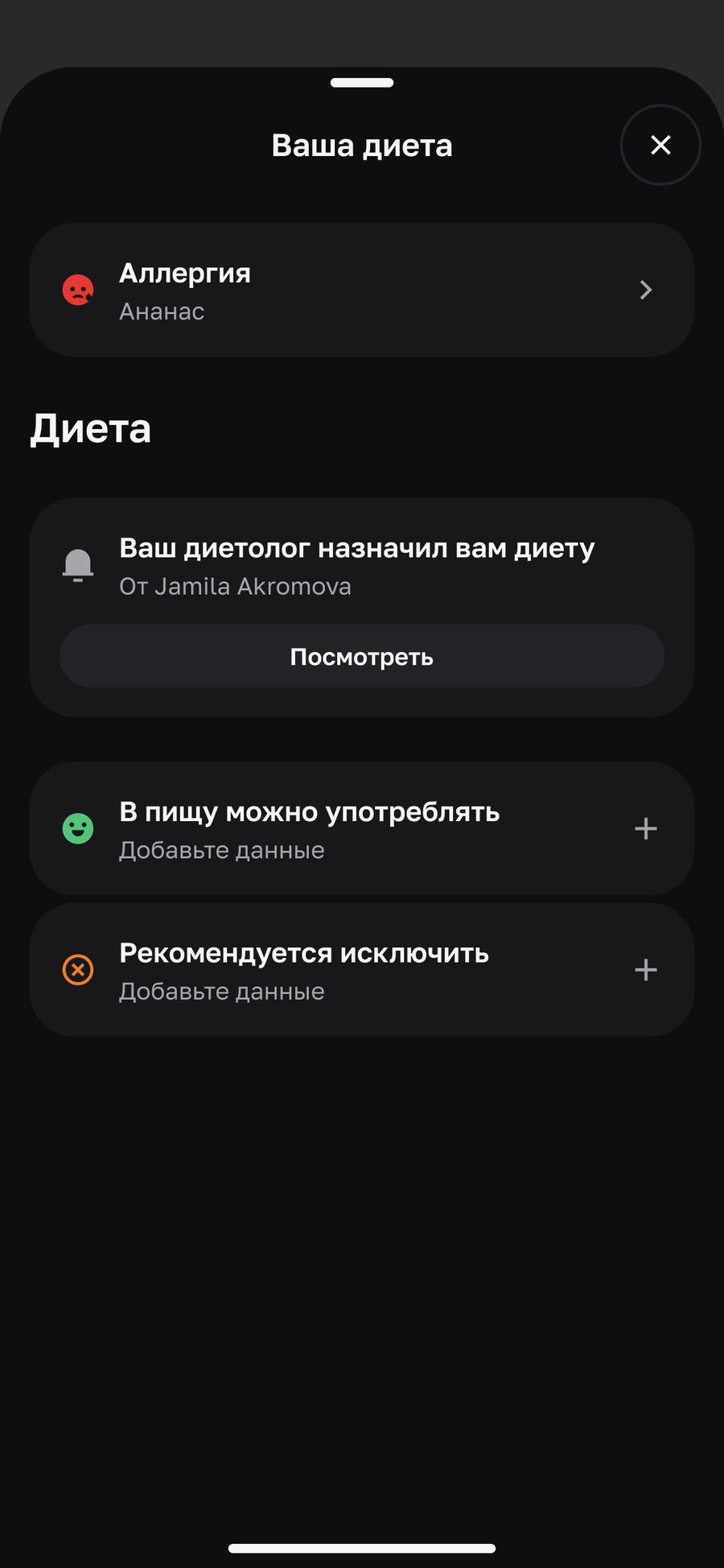
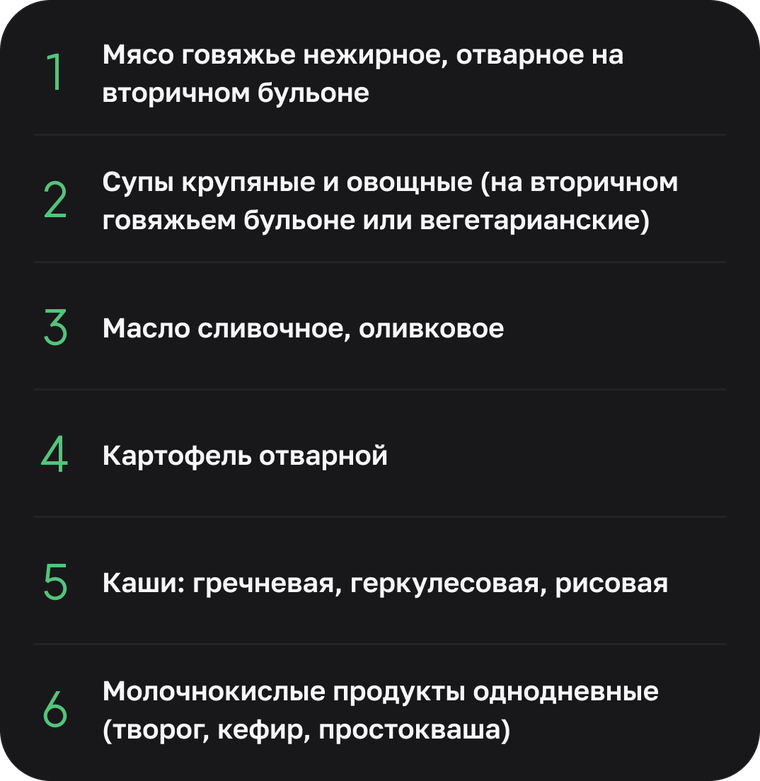
Allergies and your prescribed diet — in one place
Mark your allergies, get your diet straight from your dietitian and keep lists of what is allowed and what to avoid.
- Allergy tracking
- Diet from your dietitian
- «Allowed» and «avoid» lists
- All on one screen
Your body is switching from the fed state into the fasting state.
Keep your fasting window under control
Pick a protocol — 16:8, 18:6 or your own — and watch the timer in real time. One button to start and stop.
- Popular protocols
- Real-time timer
- Progress on the ring
- Nothing gets lost
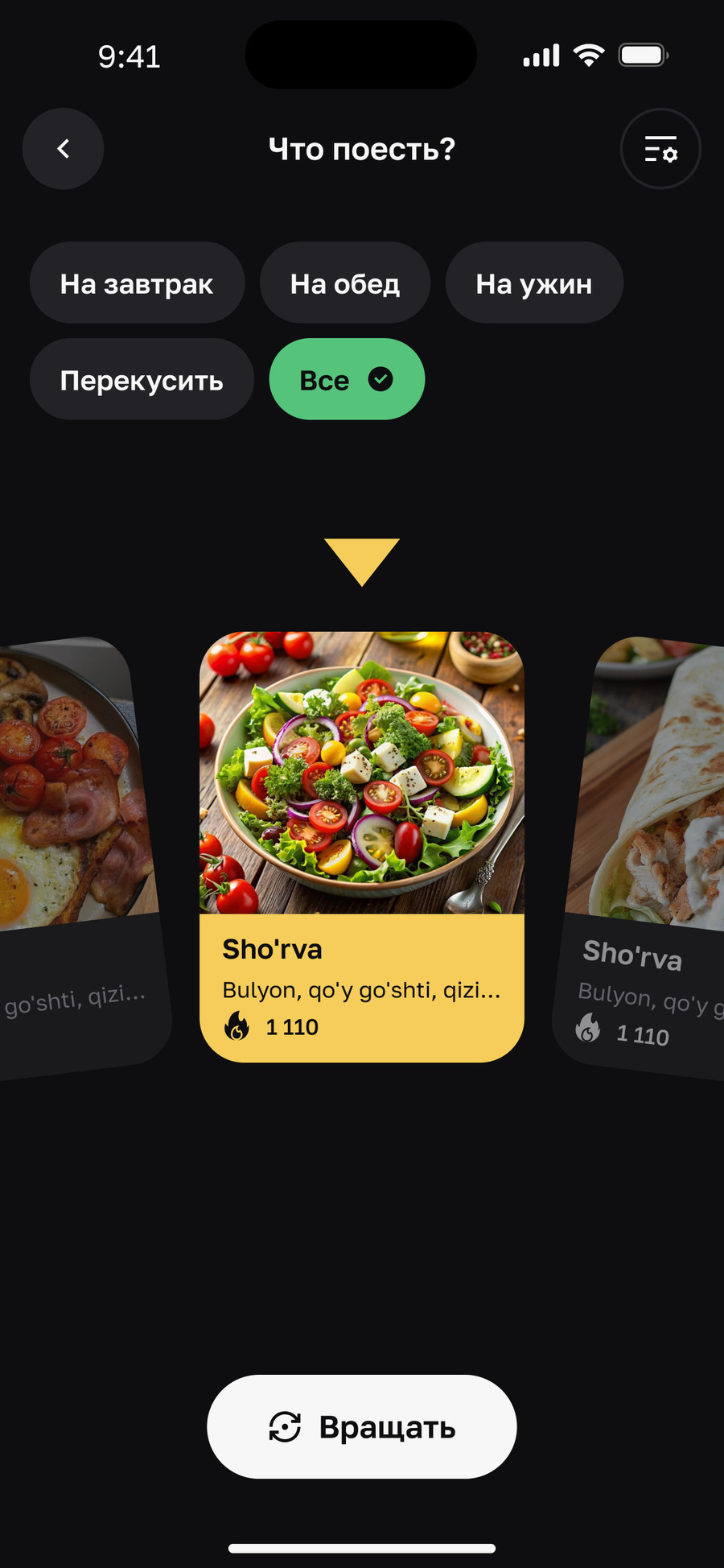


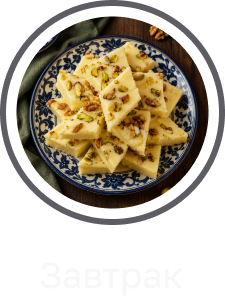
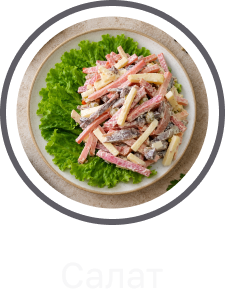
Not sure what to eat — just ask Calorin
One tap and the app suggests a dish for the meal you need. A quick answer for when choosing feels like work.
- Breakfast, lunch, dinner, snack
- A random pick in one tap
- Calories right there on the card
- Works without signing up
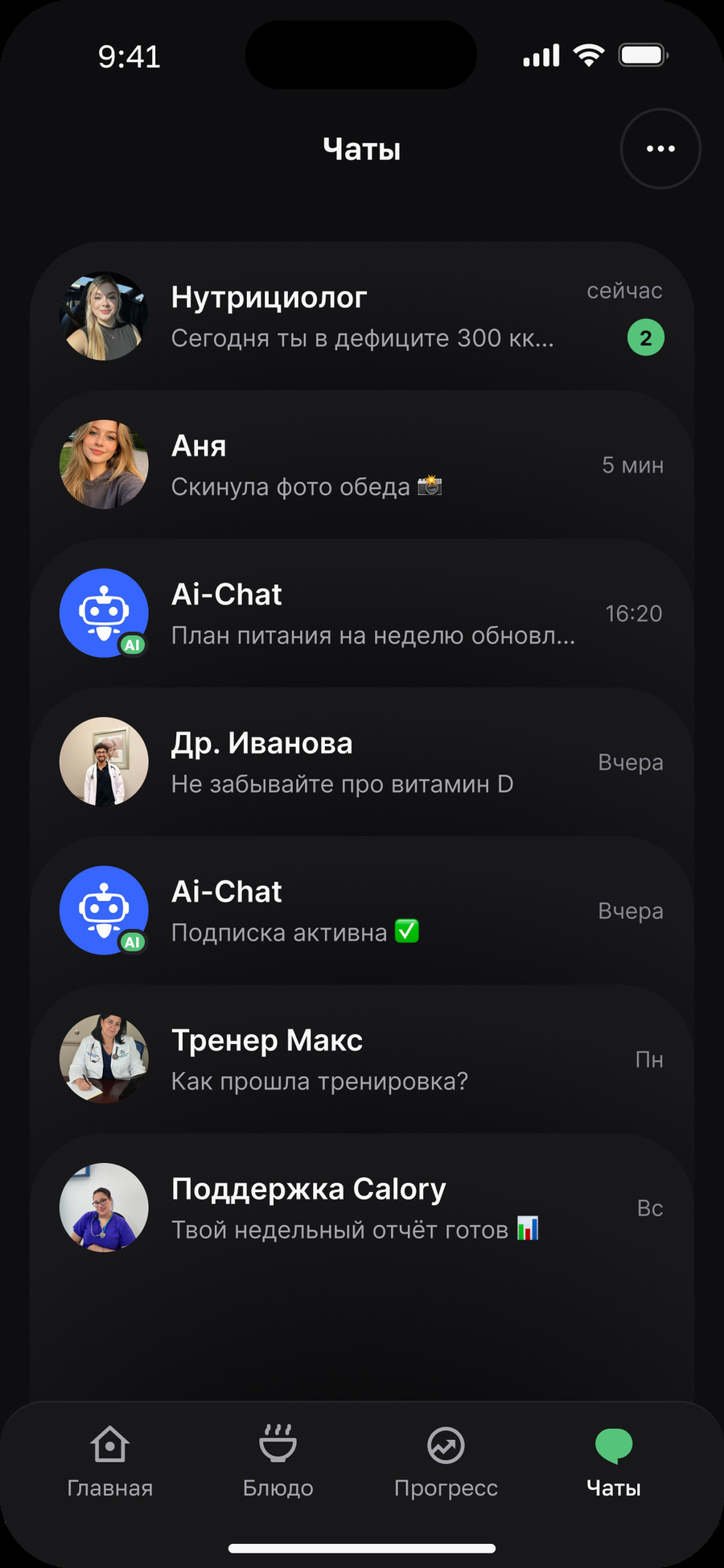
Two kinds of company in one list
Calorin keeps AI assistants and real people in one place — but never blurs the line between them.
-
AI assistantsA coach, recipe search, a check-in bot — violet avatars with a spark badge, always available.
-
Real peopleA partner, a nutritionist or support — real initials, a green «online» dot. Accountability you actually feel.
Eat as usual. Leave the counting to Calorin.
Be among the first to try photo logging and a coach that genuinely understands you. Early access is rolling out now.